
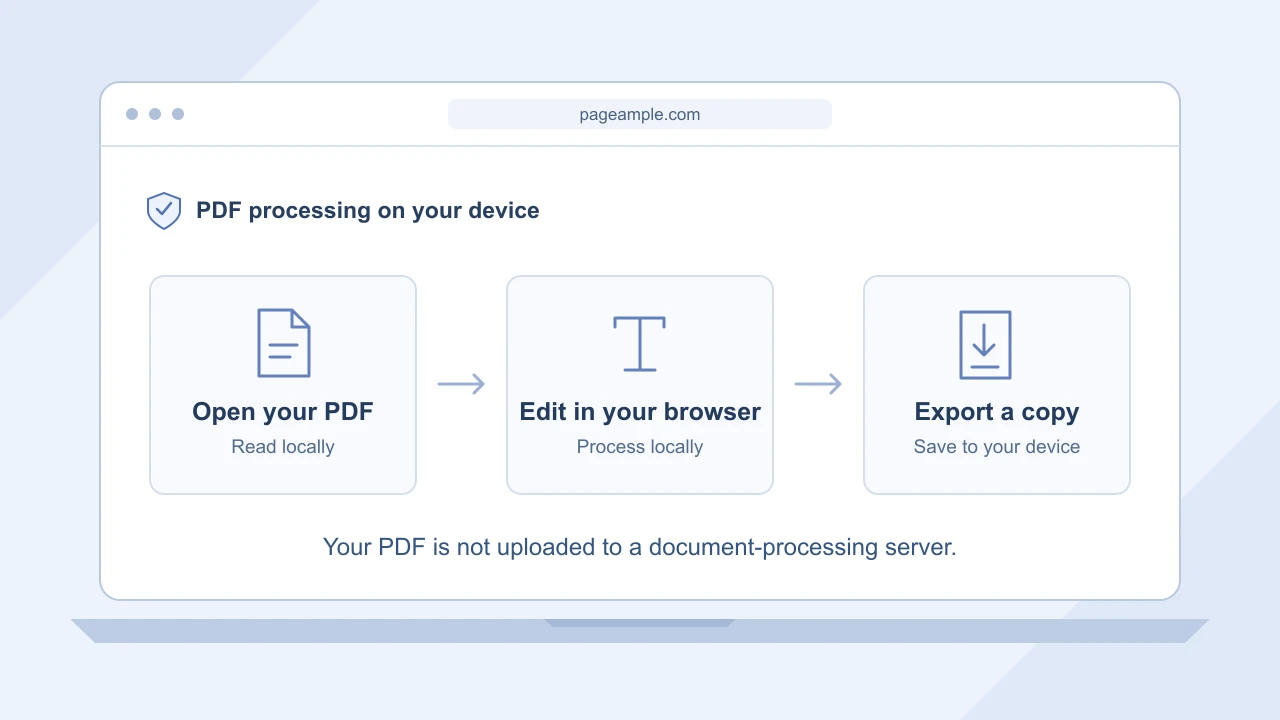
The website brings the tools. Your browser does the work.
When you open PageAmple, your browser loads the editor and its resources from the website. When you choose a PDF, the file is read locally. Its pages are displayed and processed by code running in your browser, rather than being sent to a remote document-processing service.
That distinction is the heart of private PDF editing with PageAmple. The page text, document name, signature images and changes stay on your device during editing. You can work on an application, update a letter or prepare a reading copy without handing the PDF to a server first.
From your original file to your finished copy
Open a PDF from your device
Choose Open PDF and select your file. This gives the editor access to that chosen document in your browser. It does not upload the PDF to PageAmple. Its pages appear in the workspace, ready for you to find the part you want to change.
Make the changes in your browser
Use Edit text for a supported existing line, or Add text to place a new one. You can also add a typed, drawn or uploaded signature and highlight selectable text. The browser handles these document operations locally as you work.
Review the pages
Zoom in to check a name or signature, then zoom out to see the page as a whole. Use Undo and Redo to compare changes. You can move between pages and make several edits without sending the document away for each update.
Export a copy to keep
Choose Export PDF when you are finished. The updated PDF is generated in your browser and passed to its save or download flow. The resulting file is yours to keep and share using whichever method you normally use.
An online PDF editor without the document upload
Browser-based processing combines the convenience of opening a website with document work on your own device. There is no separate desktop installation and no account to create. You get the text, signature and highlighting tools in one workspace, while the PDF itself remains local.
PageAmple does not create an online document library or a server copy of your PDF. Export gives you a finished file to save, rather than a link to a document stored in an account. This makes it a straightforward option when you want to finish a task and keep control of the result.
Your reusable signatures stay in this browser, too
If you save a signature in the Sign panel, it is stored in this browser on your device. The next time you use PageAmple in the same browser profile, you can choose it again. It is not synced to a PageAmple account or a cloud signature library.
PDF processing and ordinary website activity are separate. The website still needs a connection to load its tools, and it keeps aggregate usage counts. If you choose to send feedback, your message is delivered to us separately; your PDF is not attached. The Privacy page explains these website details.
Useful tips
Start with the file you already have
Choose a PDF from your device and work directly on it. There is no document-upload step to wait for.
Reuse a signature on the same device
Save a signature in the Sign panel to use it again in this browser. You can remove it from that panel whenever you choose.
Keep the finished copy
Export the updated PDF before closing the page. Your saved file is the copy you can reopen or share later.